
 By
By 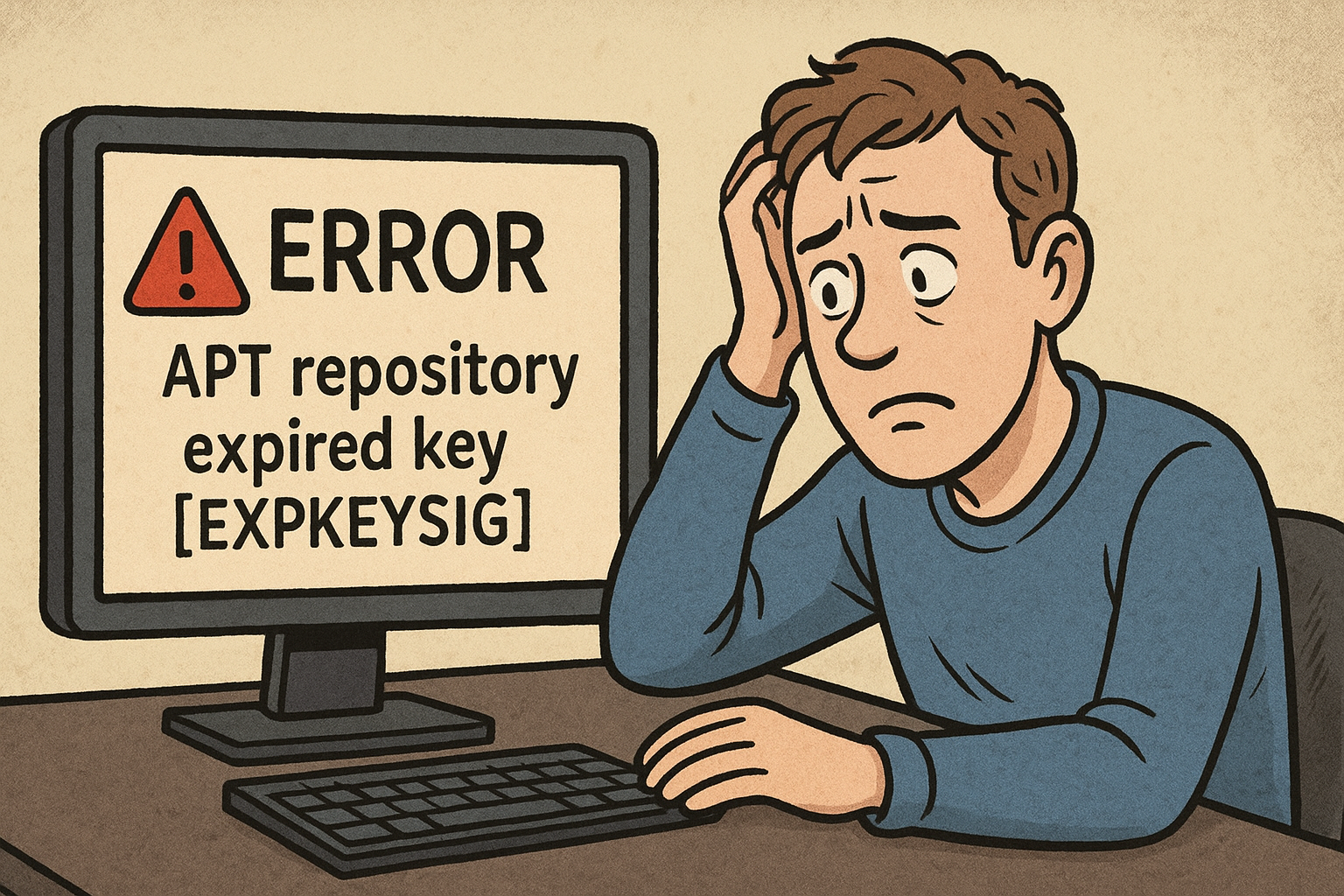
If you use the APT package repositories (for Debian, Ubuntu and similar distributions), you might run into the following error:
root@debian:~# apt-get update
[...]
Err:6 https://apt.grafana.com stable InRelease
  The following signatures were invalid: EXPKEYSIG 963FA27710458545 Grafana Labs <[email protected]>
Reading package lists... Done
[...]
W: An error occurred during the signature verification. The repository is not updated and the previous index files will be used. GPG error: https://apt.grafana.com stable InRelease: The following signatures were invalid: EXPKEYSIG 963FA27710458545 Grafana Labs <[email protected]>
This means the APT key has expired and needs to be renewed on your machine.
Where is the currently used key?
The repository configuration should contain the signed-by entry, pointing to the key on the local disk.
root@debian:~# cat /etc/apt/sources.list.d/grafana.list
deb [signed-by=/etc/apt/keyrings/grafana.gpg] https://apt.grafana.com stable main
You can manually check the meta-data of this key, which also shows the expiry date of the key:
root@debian:~# gpg --show-keys /etc/apt/keyrings/grafana.gpg
gpg: directory '/root/.gnupg' created
gpg: keybox '/root/.gnupg/pubring.kbx' created
pub   rsa3072 2023-08-24 [SC] [expired: 2025-08-23]
      B53AE77BADB630A683046005963FA27710458545
uid                      Grafana Labs <[email protected]>
sub   rsa3072 2023-08-24 [E] [expired: 2025-08-23]
The output clearly shows that this GPG key expired on August 23rd 2025.
How to install the new repository key
Most (well maintained) APT repositories show how to download and install the repository key. In the case of Grafana Labs repositories, this information is shared on apt.grafana.com.
Use the following commands to replace the current key (in the same location as seen in the APT repository list file):
root@debian:~# mkdir -p /etc/apt/keyrings/
root@debian:~# wget -q -O - https://apt.grafana.com/gpg.key | gpg --dearmor > /etc/apt/keyrings/grafana.gpg
As the repository was already configured, there's no need to re-create the /etc/apt/sources.list.d/grafana.list file.
You can now run apt-get update (or apt update) again and the EXPKEYSIG errors are gone for the Grafana repository.
root@debian:~# apt-get update
[...]
Get:7 https://apt.grafana.com stable InRelease [7’660 B]
[...]
Get:10 https://apt.grafana.com stable/main amd64 Packages [449 kB]
Reading package lists... Done


