
 By
By The newest version 145.0 of the widely used Firefox browser, has added a new feature: Profiles.

Note: Firefox profiles is actually nothing new and has been around for a long time. You would have seen Firefox referring to a "profile" whenever there's a problem, asking to delete and create a new Firefox profile. However with the Firefox v145.0 release, the Firefox profiles gets a "marketing push" after the first start of Firefox.
The goal behind this new feature is to separate the browser behaviour and data, such as bookmarks, for specific profiles. For example if you want to have a profile for personal use and one profile for your work with bookmarks related to either profile.
Adding and using a profile
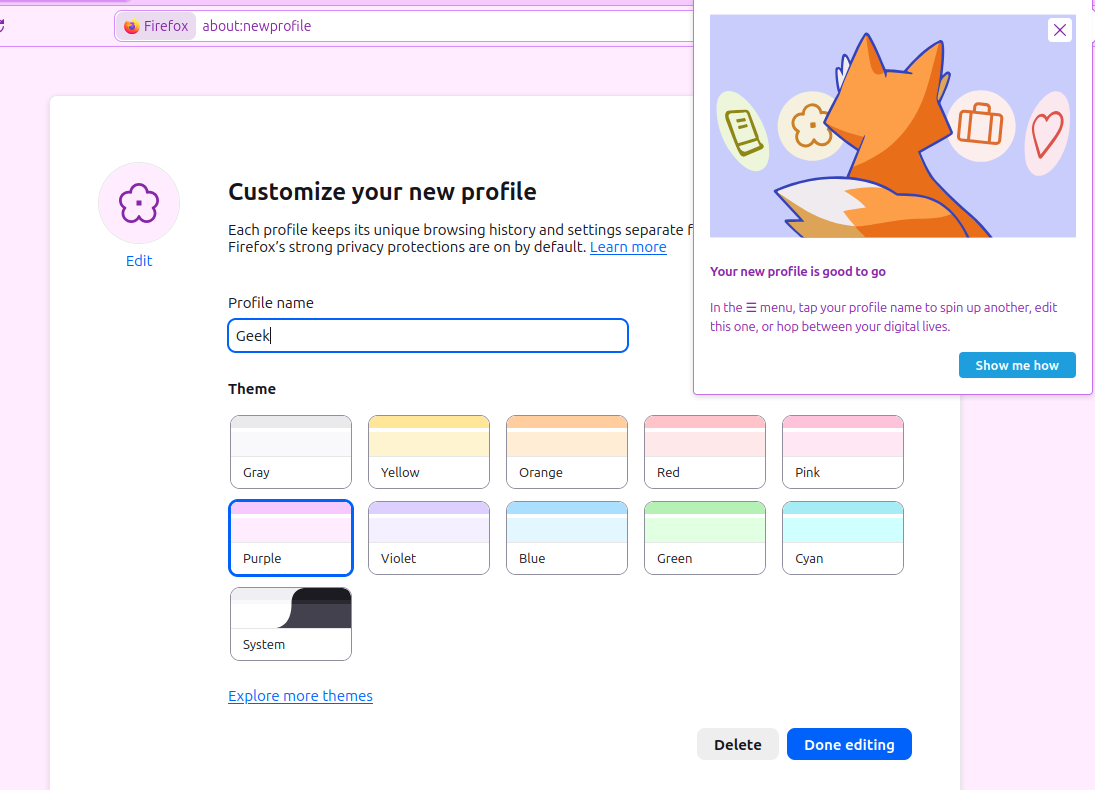
When adding a new profile, you can choose the profile name and a specific colour.
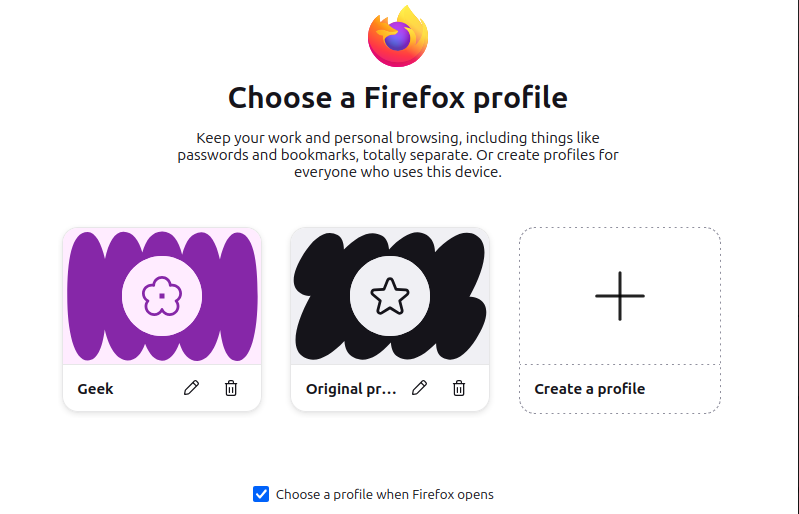
Once the profile(s) is created, Firefox will ask which profile to use at the next start:
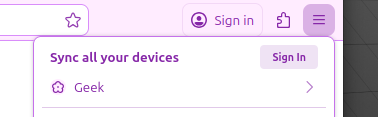
To switch between profiles or create a new profile, you can launch the Firefox menu (hamburger icon top right) and choose another profile. Or create a new profile.
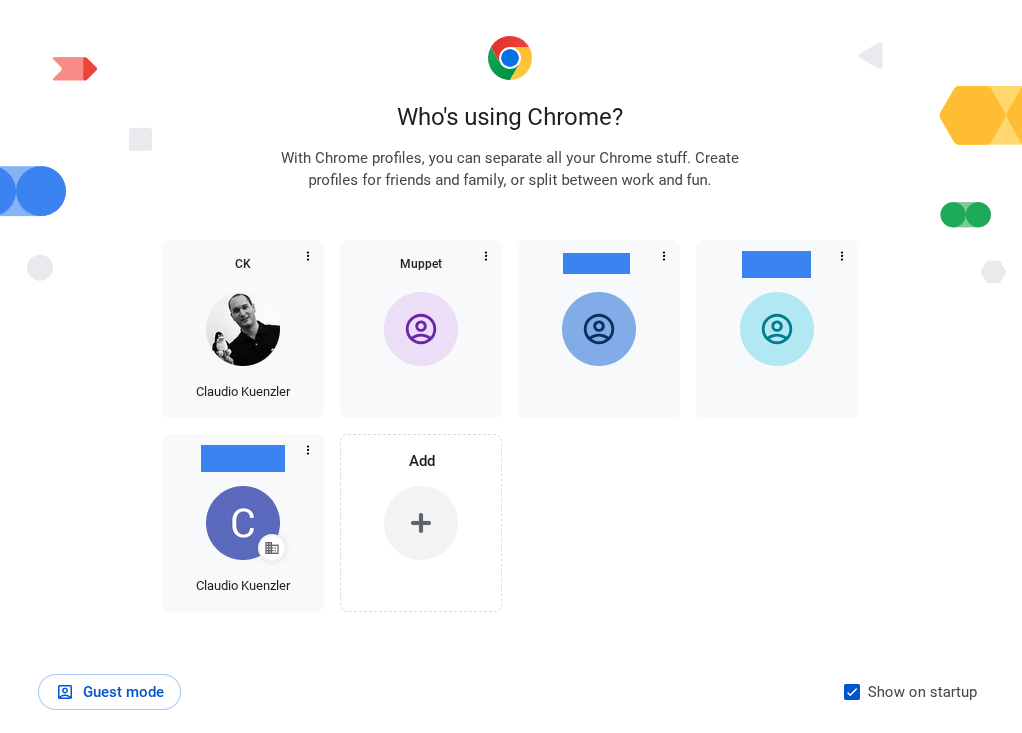
Chrome was first with the profile colours
This neat feature with multiple profile colours didn't come out of the blue. Chrome already uses Chrome Profiles for a while now and has proven quite useful (at least to me).
But it's good to see Firefox catching up with this helpful feature!


