
 By
In some of the past articles we came across design.com on multiple occasions and we really liked the simplicity of their toolset.
Some competitors require you to go through a complex signup-process, then struggle to go through a difficult to navigate website structure to finally find the tools you want. But on Design.com, the first thing you see is the input field. You immediately know what to work with.
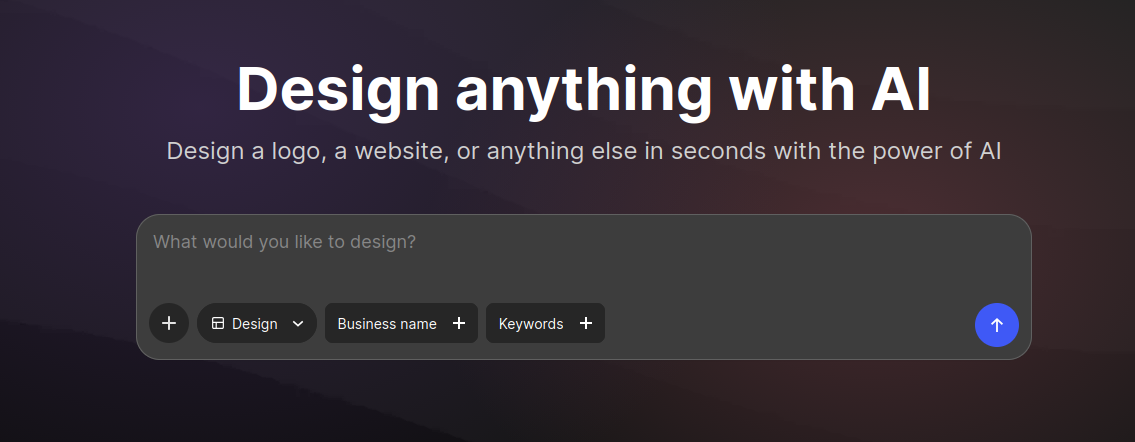
So we thought, let's take a closer look at the tools available on design.com: Logo Creation Features, Branding Tools, Templating, Prices and the overall user experience.
What Is Design.com?
Design.com is an online design and branding platform that helps individuals and businesses create logos, websites and marketing materials without needing design or GFX skills.
The young company (created in 2023) is based in Sydney, Australia – but as the international domain name suggests, offers global services.
Its main offering is a collection of logo creation tools, including a traditional Logo Maker and a prompt-based AI Logo Generator. Users can explore ready-made designs or describe their ideas to generate logo concepts they can customize.
However, the platform goes beyond logo design. It also provides tools for generating business names, creating websites, designing business cards, producing promotional materials, and generating images.
Some of its main portfolios include:
- 500K+ logo templates: Explore a large collection of logo designs across different industries and styles.
- 1M+ total design templates: Access templates for various branding and marketing projects.
- 750+ fonts: Choose from a broad typography collection, including 525+ exclusive fonts.
- 62K+ custom vector shapes: Add graphic elements to logos and other designs.
- 50+ design tools: Create different types of business and marketing materials from one platform.
This combination makes Design.com useful for people who want to develop several parts of their brand without managing multiple design subscriptions.
Design.com feature overview
Here's a quick overview of what the platform offers.
| Feature | Details |
|---|---|
| Logo creation | Logo Maker and AI Logo Generator |
| Logo templates | Over 500K |
| Total design templates | Over 1 Million |
| Fonts | Over 750, including more than 500 exclusive fonts |
| Vector Shapes | Over 60K |
| Design Tools | Over 50 |
| AI Tools | Logo Generator, Image Generator, Business Name Generator, Background Remover and more |
| Website Builder | AI-assisted website creation |
| Free options | Free logos, websites and selected design tools |
| Download formats | SVG, EPS, PDF, PNG, JP(E)G, GIF, MP4 – depending on design |
| Customer support | 24/7 e-mail and chat support |
| Trustpilot Rating | 4.7 / 5 |
Exploring Design.com's Logo Creation Tools
Logo creation is at the heart of Design.com, and the platform provides two main ways to get started: its template-based Logo Maker and its AI Logo Generator.
Both options help users develop logo concepts, but they approach the creative process differently.
Logo Maker: Creating a Logo From Templates
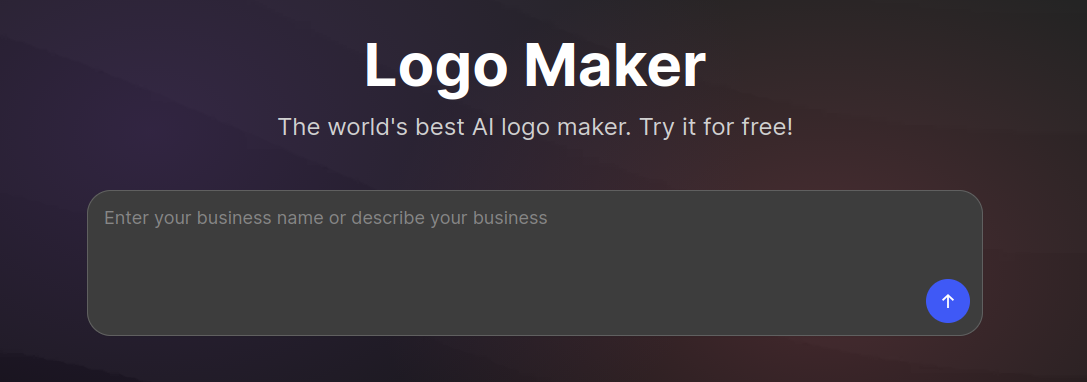
Design.com's Logo Maker is designed for users who want to explore existing logo designs and customize one to match their business.
To get started, you enter your business name and relevant keywords. The platform then presents logo designs based on the information you provide.
One thing we like about this approach is the range of styles available. Rather than limiting users to a handful of generic layouts, Design.com offers several categories to help narrow down the results.
You can explore styles such as:
- Abstract: Logos built around creative shapes and symbols.
- Mascot: Designs featuring characters or illustrated figures.
- Emblem: Traditional logo compositions with symbols and text arranged together.
- Corporate: Professional designs suited to established businesses and service providers.
- Wordmark: Logos that focus primarily on business names and typography.
- Vintage: Designs inspired by retro graphics and traditional branding.
- Classic: Timeless logo concepts with familiar visual elements.
There are also color filters that help narrow down the results. You can explore grayscale, blue, purple, pink, red, orange, and green designs depending on the look you're after.
Once you find a template you like, you can open it in the editor and start making changes.
Customization options include:
- Colors: Adjust the logo's colors to match your preferred brand palette.
- Typography: Experiment with different fonts and text treatments.
- Graphic elements: Modify icons, shapes, and other visual components.
- Backgrounds: Change the background to explore different presentations.
- Layout: Refine the arrangement of the logo's individual elements.
The template-based approach is particularly useful if you already have a general idea of what your logo should look like. You can start with an existing design and adjust the details instead of building everything from scratch.
AI Logo Generator: Turning Ideas Into Logo Concepts

If you prefer to start with an idea rather than browse templates, Design.com's AI Logo Generator offers another approach.
Instead of selecting an existing design first, you describe the type of logo you want using a written prompt. The AI uses your description to generate logo concepts that reflect your preferred style and creative direction.
For example, imagine you're creating a logo for a specialty coffee shop. You could describe a minimalist coffee cup symbol with warm brown colors, elegant typography, and a modern aesthetic.
The generator uses those details to produce concepts you can explore.
This prompt-based workflow gives you room to experiment with different ideas. You might try a more playful direction, request a minimalist symbol, or describe a vintage-inspired design to see how the results change.
After generating your concepts, you can continue customizing the design to bring it closer to your original vision.
Another useful feature is the AI chatbot, which can assist with logo edits. Rather than manually adjusting every detail, you can use conversational instructions to explore changes to your design.
For users who aren't entirely sure what they want their logo to look like, this provides a convenient starting point.
Logo Customization and Editing Features
Generating or selecting a logo is only the beginning. You'll usually want to make a few adjustments before settling on a final design.
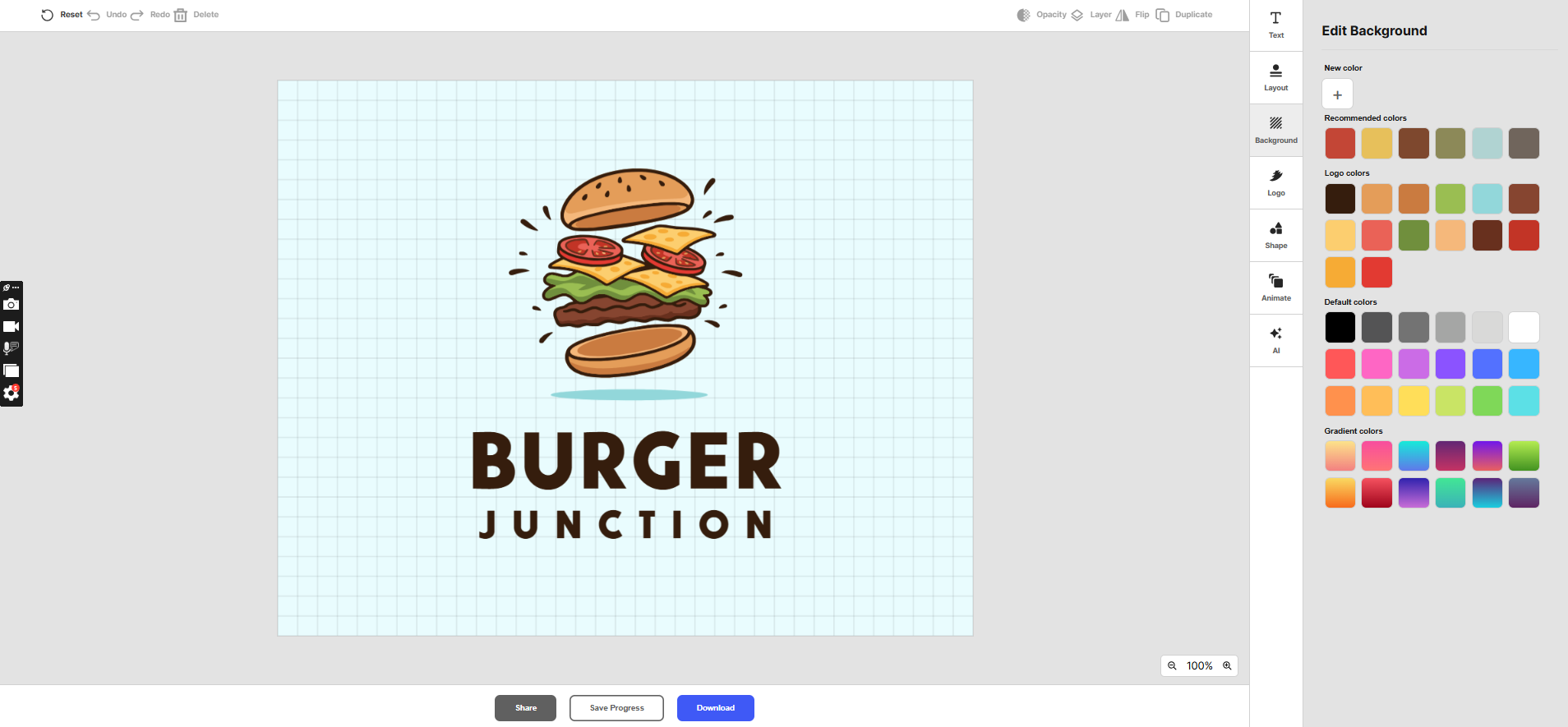
Design.com's editor provides several ways to personalize your logo, including changing colors, adjusting typography, and modifying graphic elements.
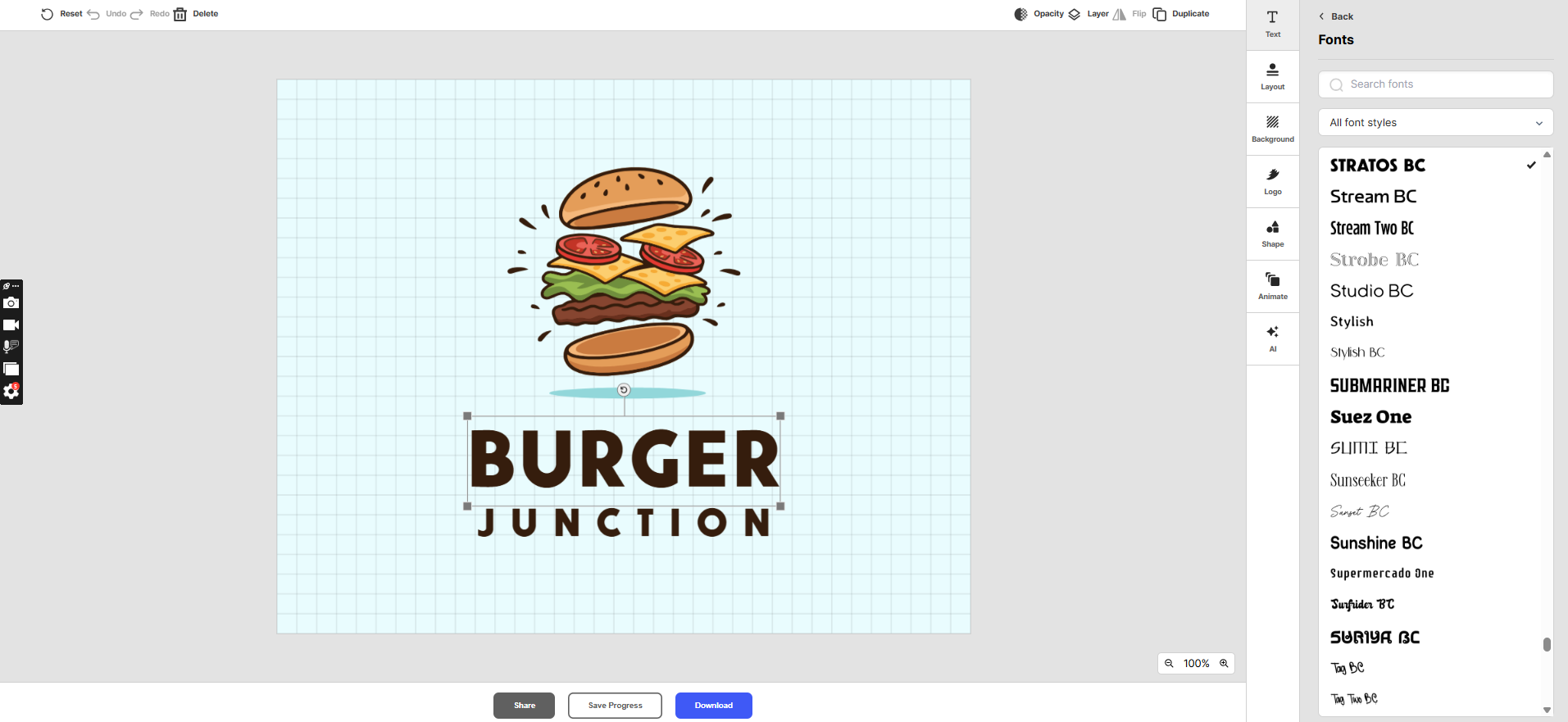
You can experiment with different combinations until the design feels right for your business.
The platform also includes features that make it easier to compare ideas. You can save favorite designs to revisit later and use voting polls to collect feedback from others.
This is helpful when you're deciding between several concepts. Instead of choosing immediately, you can shortlist your preferred options and get another perspective before making a final decision.
Overall, the combination of template browsing, AI generation, and editing features gives users multiple ways to approach logo creation.
Other Branding Tools
While logo creation is a major part of the platform, Design.com offers several other tools that help businesses develop their brand identity and create marketing materials.
These tools are useful if you want your logo, website, business cards, and promotional graphics to follow a consistent visual style.
Here's a closer look at some of the other features available.
AI Business Name Generator
Every startup struggles with step one: Coming up with a business name is often one of the first challenges when starting a company. You want something memorable, relevant to your industry, and suitable for the type of brand you're trying to build. And the domain should not be taken either…

Design.com's AI Business Name Generator helps with this brainstorming process by suggesting potential names based on your business description and keywords.
You can provide details about your business and explore different naming directions. The tool also lets you adjust preferences such as:
- Name length: Choose short, medium, or long business name suggestions.
- Naming style: Explore modern, professional, creative, or funny names.
- Keywords: Include relevant words to guide the suggestions.
- Regeneration: Generate additional ideas if the initial suggestions don't quite fit.
For example, if you're launching a handmade candle business, you could use keywords such as "candles," "home fragrance," and "handcrafted" to explore potential names.
Once you find a name you like, you can use it as a starting point to create a logo and develop the rest of your brand identity.
It's a useful addition for entrepreneurs who haven't settled on a business name yet and want some inspiration before moving into the design process.
AI Website Builder
A website is an important part of establishing an online presence, but building one from scratch can feel intimidating if you have no experience with web design.
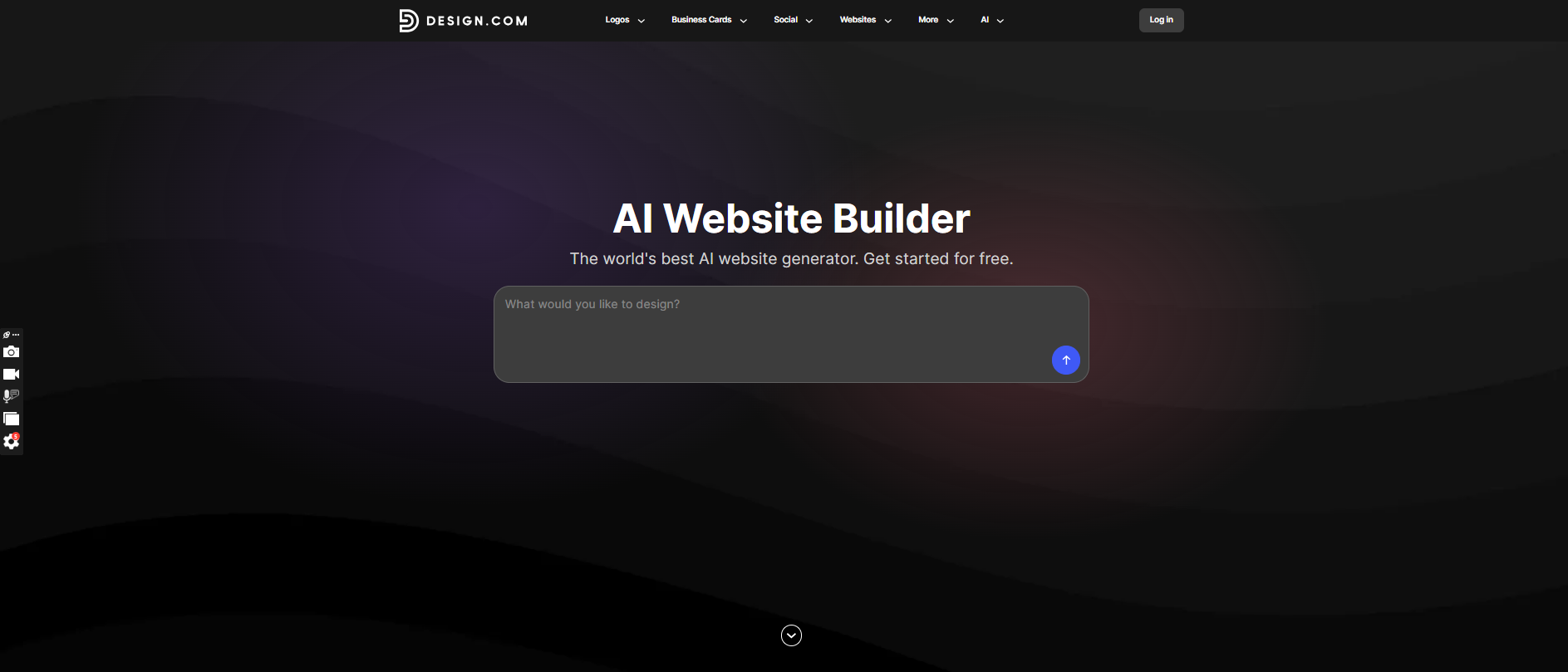
Design.com's AI Website Builder helps simplify the process by generating website designs based on your business name and optional keywords.
After providing your business details, you can explore suggested website designs and choose a direction that suits your brand.
Once you've selected a design, you can customize different parts of the website, including:
- Fonts and typography: Adjust the text styles to match your brand personality.
- Colors: Customize the website's color scheme.
- Layouts: Modify the arrangement of different page sections.
- Icons and elements: Add or adjust visual details.
- Backgrounds: Change background colors and imagery.
The builder also supports responsive website layouts, so your site can adapt to different screen sizes.
Another advantage is that you can carry your branding into your website rather than developing an entirely separate visual style. This helps maintain consistency between your logo, website, and other marketing materials.
For small businesses that need a straightforward online presence, having a website builder alongside logo creation tools is a convenient addition.
Business Card Generator
Business cards remain a practical way to share contact information, particularly for freelancers, consultants, service providers, and businesses that regularly meet customers in person.
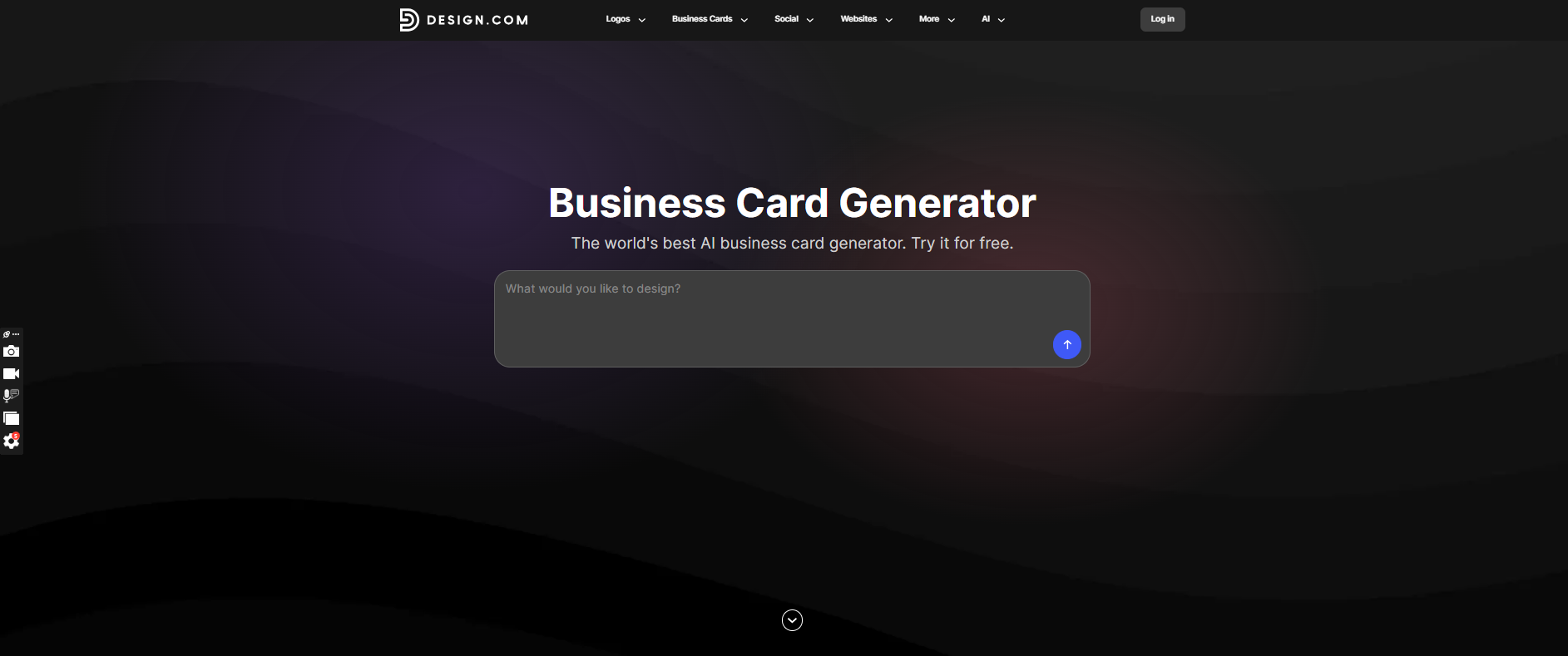
Design.com's Business Card Maker provides templates that you can customize with your business details and branding.
You can explore different layouts, adjust typography, change colors, and add your logo to create a card that represents your business.
One useful feature is the ability to match business card designs to your existing logo colors. This helps maintain a consistent appearance across your branding materials without having to manually recreate the same color scheme.
Whether you prefer a minimalist design or something more colorful and expressive, the template collection gives you several starting points to explore.
Other Design and Marketing Tools
Beyond its core branding features, Design.com offers more than 50 design tools for creating a range of digital and print materials.

Some of the additional tools include:
| Tool | Goal |
|---|---|
| AI Image Generator | Custom images from written prompts |
| AI Background Remover | Images with backgrounds removed |
| Flyer Maker | Promotional flyers and business announcements |
| Poster Maker | Posters for events, promotions, and advertising |
| Presentation Maker | Business presentations and visual slides |
| Social Media Design Tools | Posts, stories, and promotional graphics |
| Digital Business Card Maker | Shareable digital contact cards |
| Link-in-Bio Maker | A branded page that brings together links and contact information |
These tools make the platform useful for more than just establishing a brand at the beginning of a business.
You can also return to Design.com when you need new promotional materials, social media graphics, or other visual assets.
Templates and Design Resources
Another important part of Design.com is its collection of templates and creative resources.
Having access to a large template library can save time when you're creating various branded materials. Instead of designing every asset from scratch, you can start with an existing layout and customize it to suit your needs.
Here's what you can expect from its design resources.
Logo and Design Templates
Design.com offers more than 500K logo templates and over 1 million design templates across its platform.
The collection spans various industries, business types, and creative styles, offering users plenty of options to explore.
For logos, you can browse designs that range from simple wordmarks to illustrated mascots and more elaborate emblems.
The wider template library also includes materials for business cards, websites, social media, flyers, posters, and other marketing projects.
This variety is particularly useful if you want to develop several branded assets without having to source templates from different websites.
Fonts and Typography
Typography plays an important role in how a brand looks and feels.
A bold, geometric font might suit a technology company, while a softer handwritten style could work better for a creative studio or boutique business.
Design.com provides access to more than 750 fonts, including over 525 exclusive fonts.
You can experiment with different typefaces when customizing your logo and other designs, helping you find typography that complements your brand's personality.
Having a broad font collection is especially helpful when you want your business name to become a central part of the logo rather than relying entirely on an icon or illustration.
Custom Vector Shapes
Design.com provides access to more than 62K custom vector shapes that users can incorporate into their designs.
These elements give you additional creative options when customizing logos, adjusting symbols, or developing other branded graphics.
Vector-based elements are also useful because they can be resized without losing their sharpness, making them suitable for different design applications.
Consistent Branding Across Different Materials
One of the more practical advantages of having several design tools on a single platform is the ability to carry your branding across different materials.
For example, after creating a logo, you can use its colors as a starting point for business cards, social media graphics, website designs, and other promotional assets.
This makes it easier to maintain a recognizable visual style, rather than having every piece of marketing material look like it belongs to a different business.
For startups and small businesses that are still establishing their identity, this can save time and make the overall branding process more manageable.
User Experience
A platform can offer hundreds of features, but that doesn't necessarily make it easy to use.
For small business owners and entrepreneurs, the editing experience matters just as much as the number of tools available.
Design.com takes a browser-based approach, allowing users to access its creative tools without installing desktop software.
The platform also offers different ways to approach design. You can browse templates, use AI to generate concepts, or customize existing designs depending on what you're trying to create.
A few aspects of the experience are worth highlighting.
- Multiple starting points: You don't have to begin with a blank canvas. The template-based Logo Maker gives you existing designs to explore, while the AI Logo Generator lets you describe your ideas through prompts.
- Customization without advanced design skills: The editing tools let you adjust colors, fonts, layouts, and graphic elements. This makes it easier for beginners to personalize a design without needing professional graphic design experience.
- Different tools in one place: Having access to logo creation, business naming, website building, and marketing design tools means you can work on different branding tasks within the same platform.
- Saving and comparing ideas: The ability to favorite designs and use voting polls is helpful when you're considering several logo concepts and want feedback before making a decision.
Overall, its combination of templates, AI-assisted features, and browser-based editing makes it approachable for users who want to create branded materials without learning complex design software.
Pricing: What do I get at what cost?
Now that we know some of the tools, let's talk turkey!
Design.com offers free and paid options, allowing users to explore its tools before deciding whether they need a subscription.
The free offering is particularly useful if you want to experiment with logo designs and establish a basic online presence without immediately committing to a paid plan.
For users who need more downloads and access to additional features, there are three main subscription tiers.
Price Plans
As of November 2026.
| Plan | Annual Price | Monthly Price | Main Offering |
|---|---|---|---|
| Free | $0 | $0 | Free logo and selected tools |
| Starter | $3 / month | $9 / month | Images + Design |
| Value | $4 / month | $14 / month | Images + Design + Website |
| Premium | $5 / month | $19 / month | Images + Design + Website + More |
Free Plan
The free option lets you explore Design.com's logo creation tools and download a selection of free logos.
Free logo downloads are available in industry-standard file formats, including PDF, EPS, SVG, JPG, and PNG.
You also get access to features such as a website builder, a link-in-bio tool, a digital business card maker, and 50+ design tools.
You can create designs using these tools, although downloading high-quality versions of designs made with the additional tools requires a paid subscription.
Starter Plan: Images + Design
The Starter plan is designed for users who want access to logo downloads and additional design features.
At $3 per month with annual billing or $9 per month with monthly billing, it includes:
- Logo downloads and high-resolution files.
- Vector file formats.
- Unlimited logo edits.
- Business cards and branded design materials.
- Access to 50+ design tools.
- AI image generation and image editing.
- 50 AI image credits.
This is a suitable starting point for individuals who primarily need a logo and other basic branded materials.
Value Plan: Images + Design + Website
The Value plan costs $4 per month with annual billing or $14 per month with monthly billing.
It includes the Starter offering and website features.
This makes it worth considering if you're creating a new business and want to establish both a visual identity and an online presence.
Premium Plan: Images + Design + Website + More
The Premium plan costs $5 per month with annual billing or $19 per month with monthly billing.
It includes the broader branding package, with website features, link-in-bio capabilities, and digital business card tools.
For businesses that want several types of branded materials available through a single subscription, this is the most extensive package of the three tiers.
Is it worth the paid plan?
The value depends on how many of its tools you plan to use.
If you only need a logo, the free option may be enough to get started, particularly if one of the available free designs suits your needs.
However, if you're planning to create business cards, social media graphics, websites, and other branded materials, a paid subscription gives you access to a broader set of resources.
The annual plans are also relatively affordable compared with paying for multiple separate design services, provided you actually use the included tools.
Pros and Cons
No design platform is perfect for every user. While Design.com offers a broad selection of branding tools, it's worth considering its strengths and limitations before deciding whether to use it.
Pros
- Extensive logo library: With 500K+ logo templates, users have plenty of designs to explore across different industries and styles.
- Two approaches to logo creation: You can browse and customize existing templates or use the AI Logo Generator to develop concepts from written prompts.
- Flexible customization: Adjust fonts, colors, layouts, backgrounds, and graphic elements to create a design that suits your business.
- Additional branding tools: The platform includes business naming, website creation, business cards, and other design tools.
- Large collection of design resources: Access more than 1 million templates, 750+ fonts, and 62K+ custom vector shapes.
- Free options: You can explore the platform and download selected free logos without immediately needing to purchase a subscription.
- Multiple download formats: Logo downloads are available in common raster and vector formats, including PNG, JPG, SVG, EPS, and PDF.
Cons
- Web-based platform: There isn't a native desktop or mobile application, so you'll need to use a browser to access the tools.
Verdict
Design.com offers more than a conventional logo creation experience. Its combination of a large template library, AI-assisted logo generation, customization features, and additional branding tools makes it a versatile platform for businesses developing their visual identities.
Now the big question, of course, is: Should you use Design.com for your project? Say you are a…
- Startup or Entrepreneur: Starting a business involves several branding decisions, from choosing a name to developing a logo and creating an online presence. Design.com brings these tasks together through its Business Name Generator, Logo Maker, AI tools, and website builder. This makes it a convenient option for entrepreneurs who want to establish their initial brand identity without hiring a separate designer for every asset.
- Small Business Owner: Small businesses often need a steady supply of marketing materials, including business cards, flyers, social media graphics, and promotional designs. Rather than creating each asset using a different service, you can use Design.com's collection of templates and tools to produce different materials while maintaining a consistent visual style.
- Freelancers: Freelancers can use the platform to develop personal branding, create professional logos, and produce materials for communicating with potential clients. Business cards, email signatures, websites, and digital contact pages can all help establish a more polished professional presence.
- Content Creators: Content creators who regularly publish on social media can benefit from having access to different graphic design tools. You can create posts, stories, banners, and other promotional visuals while experimenting with different styles to keep your content visually consistent.
- Web Store Owners: Ecommerce businesses need product-related visuals, promotional graphics, and branding materials to support their online stores. Design.com's AI Image Generator and other design tools can help explore creative product imagery, advertising concepts, and supporting graphics.
There are a few limitations to consider. The extensive template library can take some time to explore, and users who need downloads from additional design tools will likely need a paid plan. The lack of a native desktop or mobile application may also matter to people who prefer dedicated software on their workstations or laptops.
Still, for entrepreneurs, freelancers, and small businesses looking for an accessible way to create logos and develop other branded materials, Design.com is worth considering.
If you're looking for a platform that covers more than just logo creation, its combination of branding resources and AI-assisted design tools makes it a practical option to explore.


