
 By
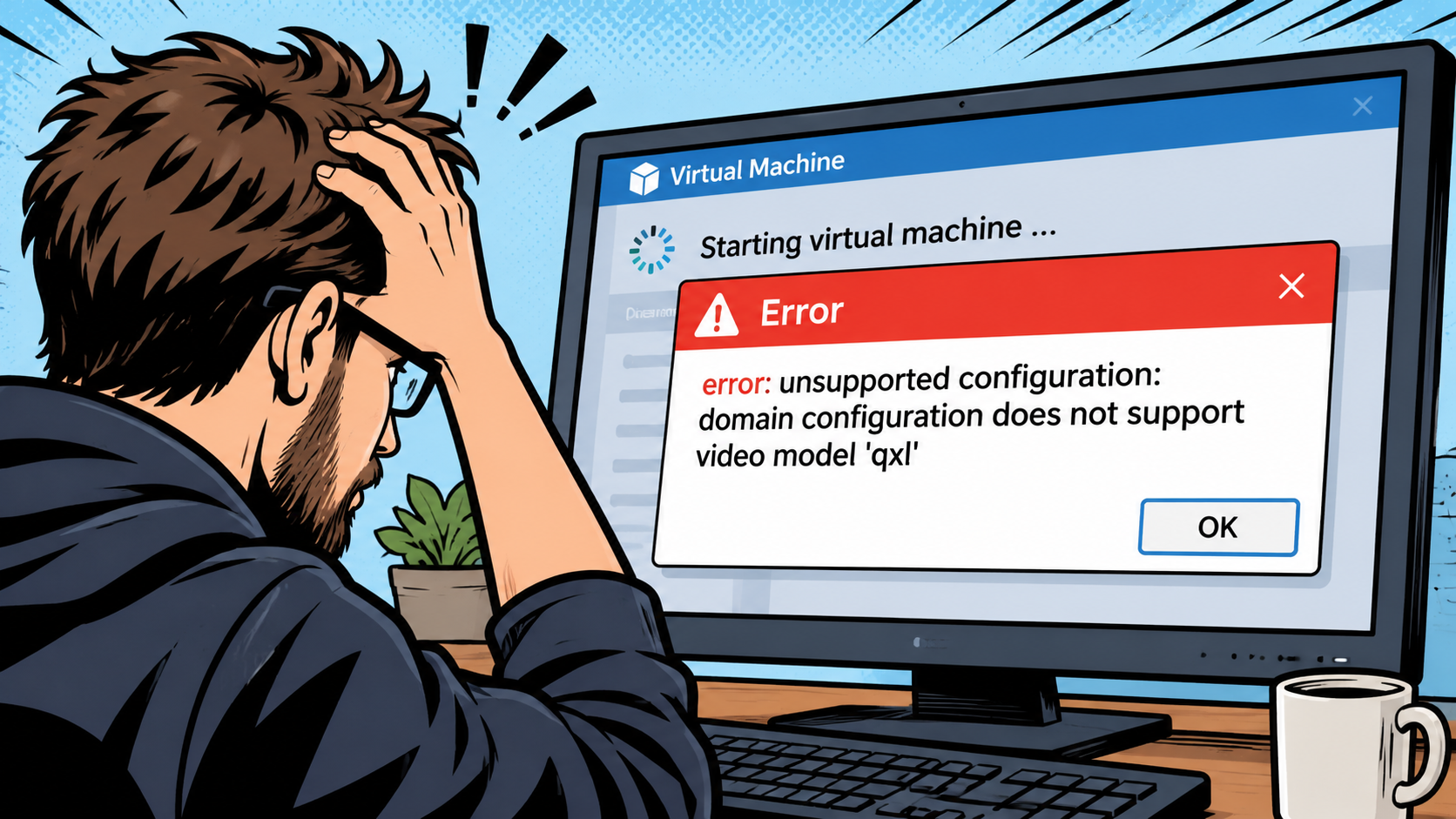
After a Debian host was upgraded from Bookworm (12) to Trixie (13), a Libvirt Virtual Machine (that uses KVM/QEMU in the background) failed to start with the following error:
root@debian:~# virsh start vm
error: Failed to start domain 'vm'
error: unsupported configuration: domain configuration does not support video model 'qxl'
Older QEMU KVM configurations were very specific, depending on what kind of hardware that ran on the host and what kind of emulation should be done in the Virtual Machine.
In the past few years, most of the model types – whether this is for block storage, video or network – have switched to virtio. Virtio has great compatibility across all Linux distributions, as its built-in into the Linux Kernel of the last few years.
As this host was upgraded several times from older Debian releases, the QEMU/KVM configuration for this Virtual Machine still stuck with the original configuration. Time to update this!
Edit the configuration of the Virtual Machine "vm":
root@debian:~# virsh edit vmFind the <video>…</video> section. You will find an entry that shows the qxl model:
    <video>
      <model type='qxl' ram='65536' vram='65536' vgamem='16384' heads='1' primary='yes'/>
      <address type='pci' domain='0x0000' bus='0x00' slot='0x01' function='0x0'/>
    </video>
Now replace this whole <video>…</video> snippet with the following:
    <video>
      <model type='virtio' heads='1' primary='yes'/>
      <address type='pci' domain='0x0000' bus='0x00' slot='0x01' function='0x0'/>
    </video>
That's it. You should now be able to start the VM again:
root@debian:~# virsh start vm
Domain 'vm' started


