
 By
By I am using libvirt's Virtual Machine Manager on my Linux Mint workstation for a couple of KVMs. This is an excellent – and free – manager for virtual machines and it works great. Even for Windows VMs.
On a specific Virtual Machine I noticed a blurry display and therefore also text in the console.
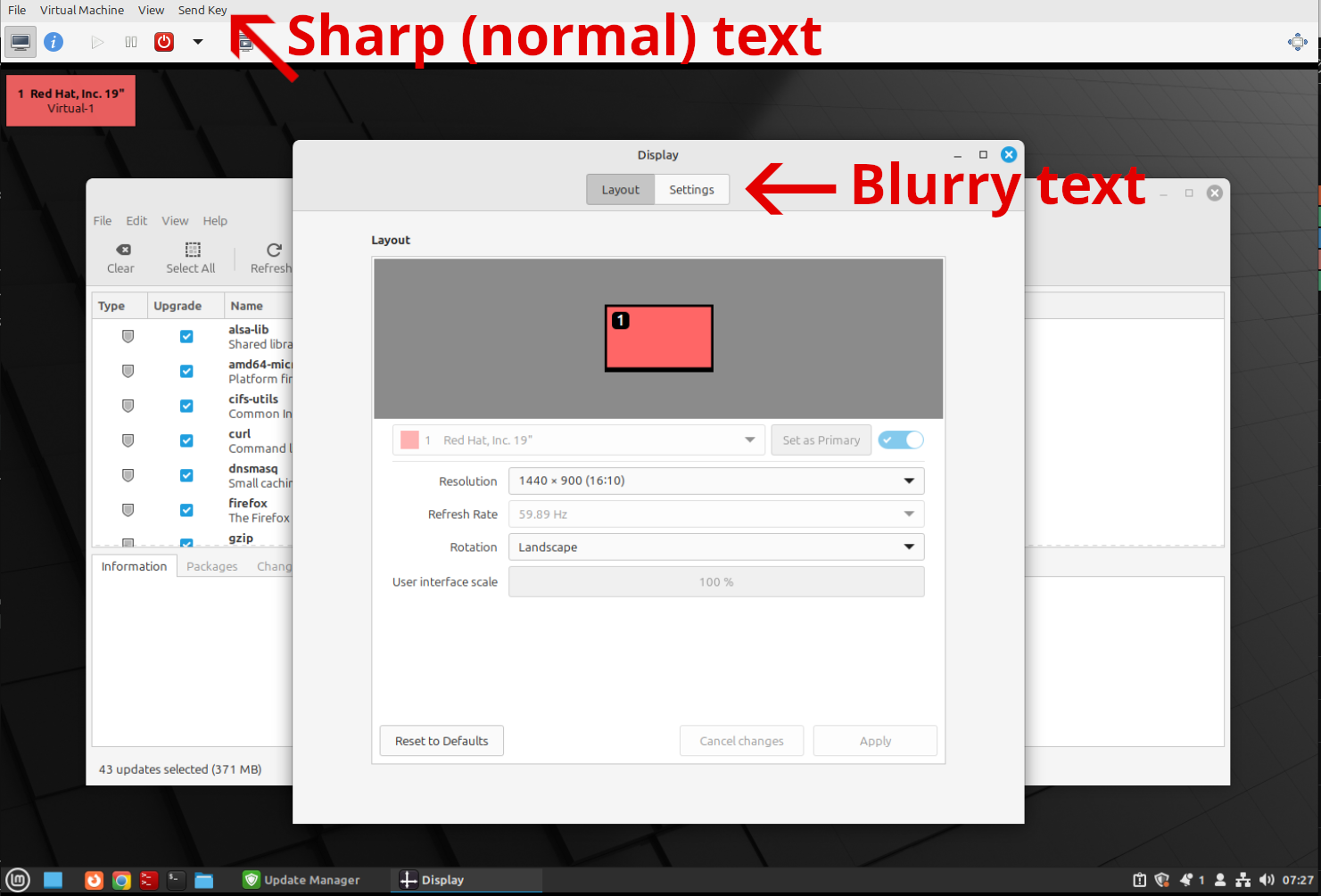
I tried changing the display resolution inside the VM, but that did not help either.
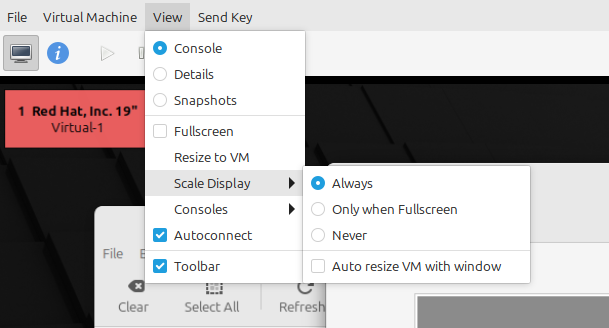
Instead I found a specific setting that was enabled. At the top menu select View -> Scale Display. There are a couple of options:
- Always
- Only when Fullscreen
- Never
- Auto resize VM with window
The option was set to Always.
After changing this setting to "Never", the text inside the console appeared sharp again (because the display is no longer stretched).
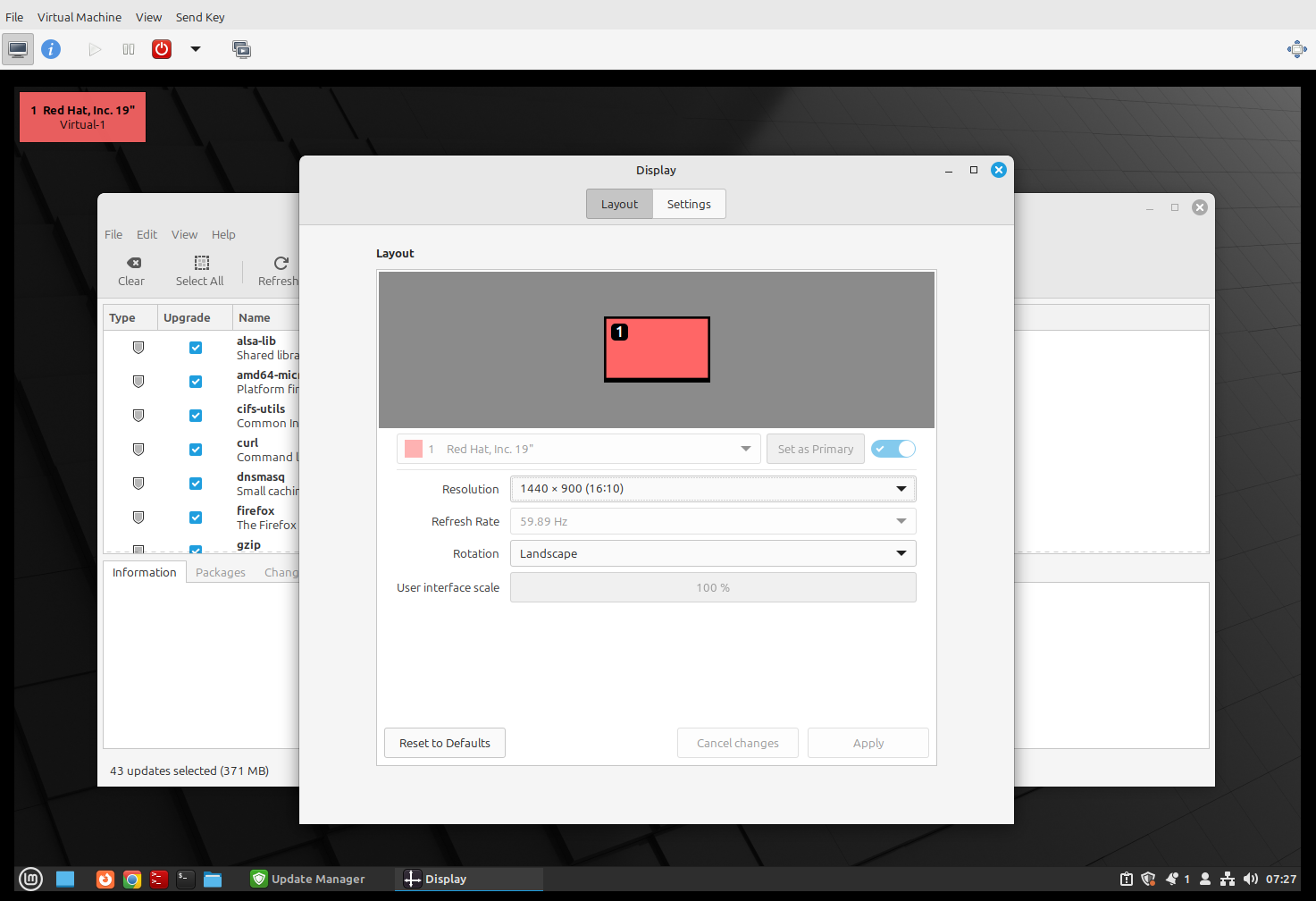
To make the before-and-after setting change more clear, look at the side by side comparison below.


